 YC Live Studio
 › An easier OBS alternative for Windows
An easier OBS alternative for Windows
OBS Studio is a great free tool, but streaming to several platforms, a proper Preview, titles and scripture usually mean plugins and set-up. YC Live Studio has them built in, so you can go live everywhere from one simple screen.
For church media teams, businesses, schools, creators, podcasters and gamers who want to go live without the set-up.
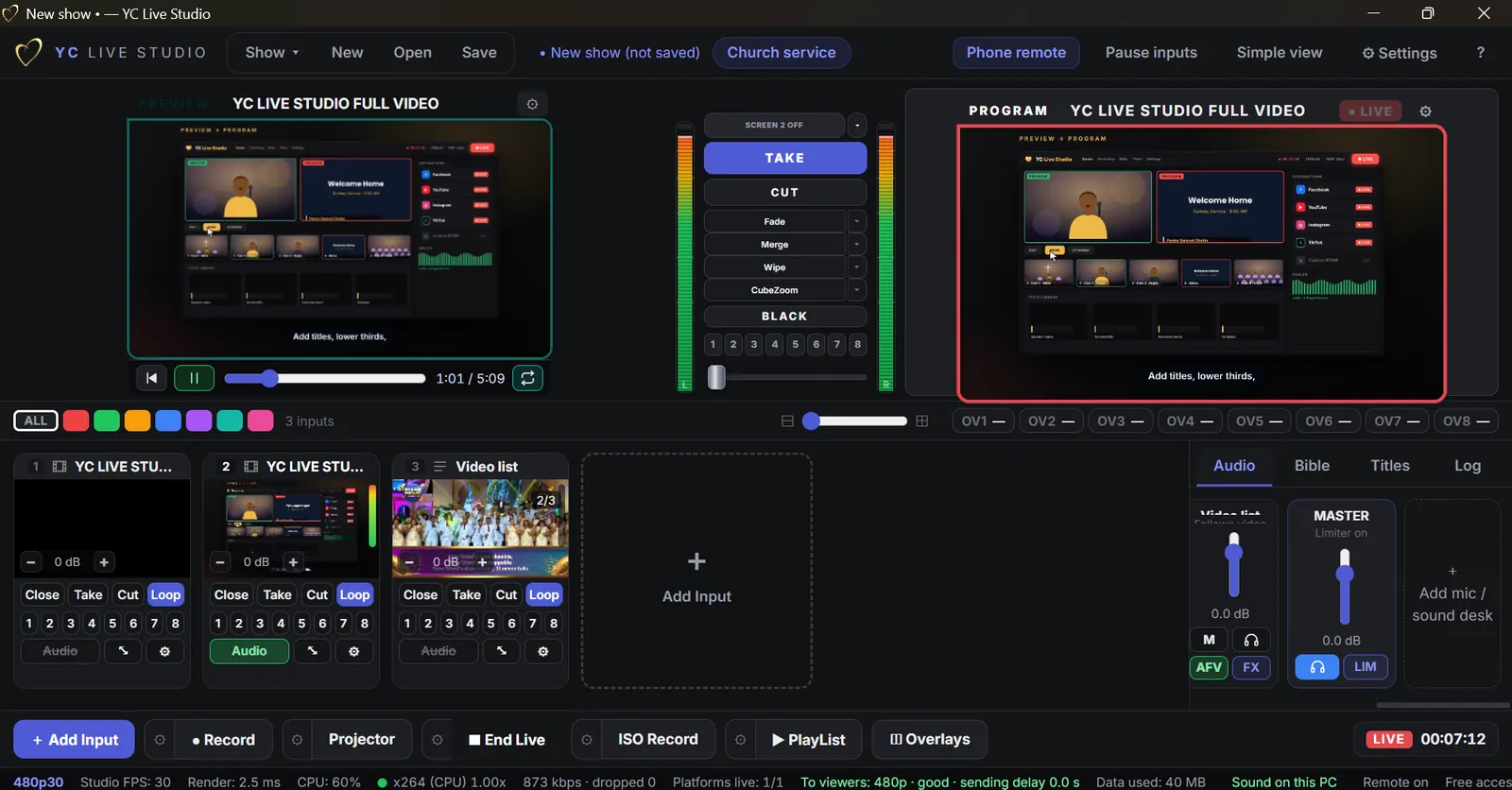
Every platform at once, no plugin
YouTube, Facebook, TikTok, Instagram, X and any RTMP server (Twitch included) from one Go Live button. The picture is encoded once, so streaming to more places does not slow your laptop down the same way again.
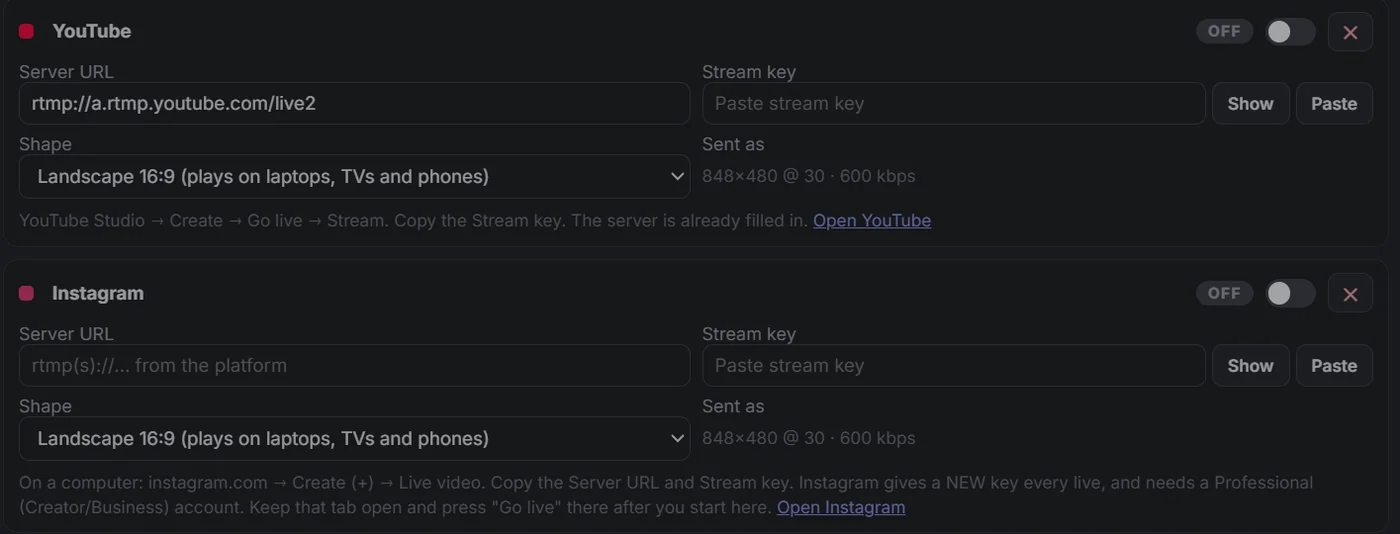
Preview and Program, like a real switcher
Line up the next shot in Preview while viewers watch Program, then Take with Fade, Merge, Wipe or CubeZoom. Nothing goes live by itself.
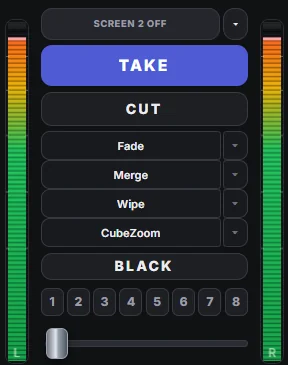
Made for everyday laptops
When the computer gets very busy, the studio saves power by itself so the stream keeps going. A health bar shows upload speed, dropped frames and delay, and tells you clearly if your computer or internet cannot keep up.
Titles, logos and scripture ready to use
Lower thirds, tickers, your logo on eight overlay buttons, and a Bible tab with over 1,000 free versions. No plugins to find and install.
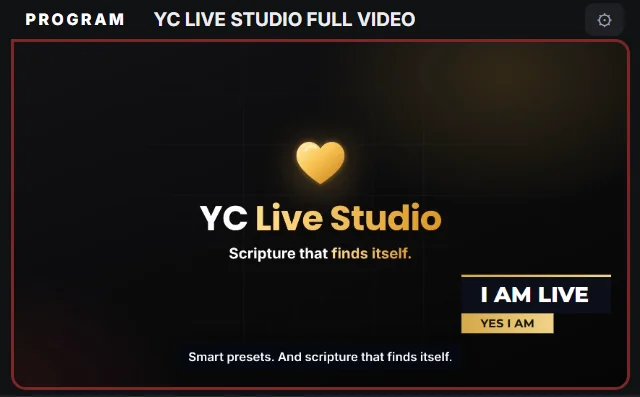
YC Live Studio and OBS Studio side by side
| YC Live Studio | OBS Studio | |
|---|---|---|
| Price | Free to download | Free, open source |
| Stream to several platforms at once | Built in | Needs a plugin or a paid restream service |
| Tall 9:16 picture for TikTok and Instagram at the same time | Built in | Needs extra set-up |
| Preview and Program with Take | Built in | Studio Mode |
| Scripture and Bible versions | Built in | Not included |
| Phone remote and phone cameras | Built in | Plugins or other apps |
| Windows, Mac and Linux | Windows 10 and 11 | All three |
OBS Studio details are from its public website and may change; both are good tools, choose the one that fits how you stream.
Live in three steps
- Download YC Live Studio for Windows.
- Choose what you stream (church, shop, gaming, podcast, music, class or sports).
- Add your cameras and stream keys and press Go Live.
Questions people ask
What is the best OBS alternative for Windows?
If you want to stream to several platforms at once with titles, a Preview and clear sound without installing plugins, YC Live Studio is a free Windows alternative built for exactly that.
Is there an OBS alternative for a low-end PC?
YC Live Studio runs on everyday Windows 10 and 11 laptops and saves power by itself when the computer is very busy. Streaming at 720p uses less of the computer than 1080p, and the health bar shows if it is keeping up.
Can I stream to multiple platforms without OBS plugins?
Yes. YC Live Studio streams to YouTube, Facebook, TikTok, Instagram, X and any RTMP server at the same time with no plugin.
Is YC Live Studio free?
It is free to download for Windows 10 and 11.
Download YC Live Studio and go live today
Made for churches and ministries, businesses and shops, schools and online classes, creators, podcasters, musicians, sports and events, and gamers. Stream everywhere without limitations.